 RecipeTailor
Scale it exactly. Not approximately.
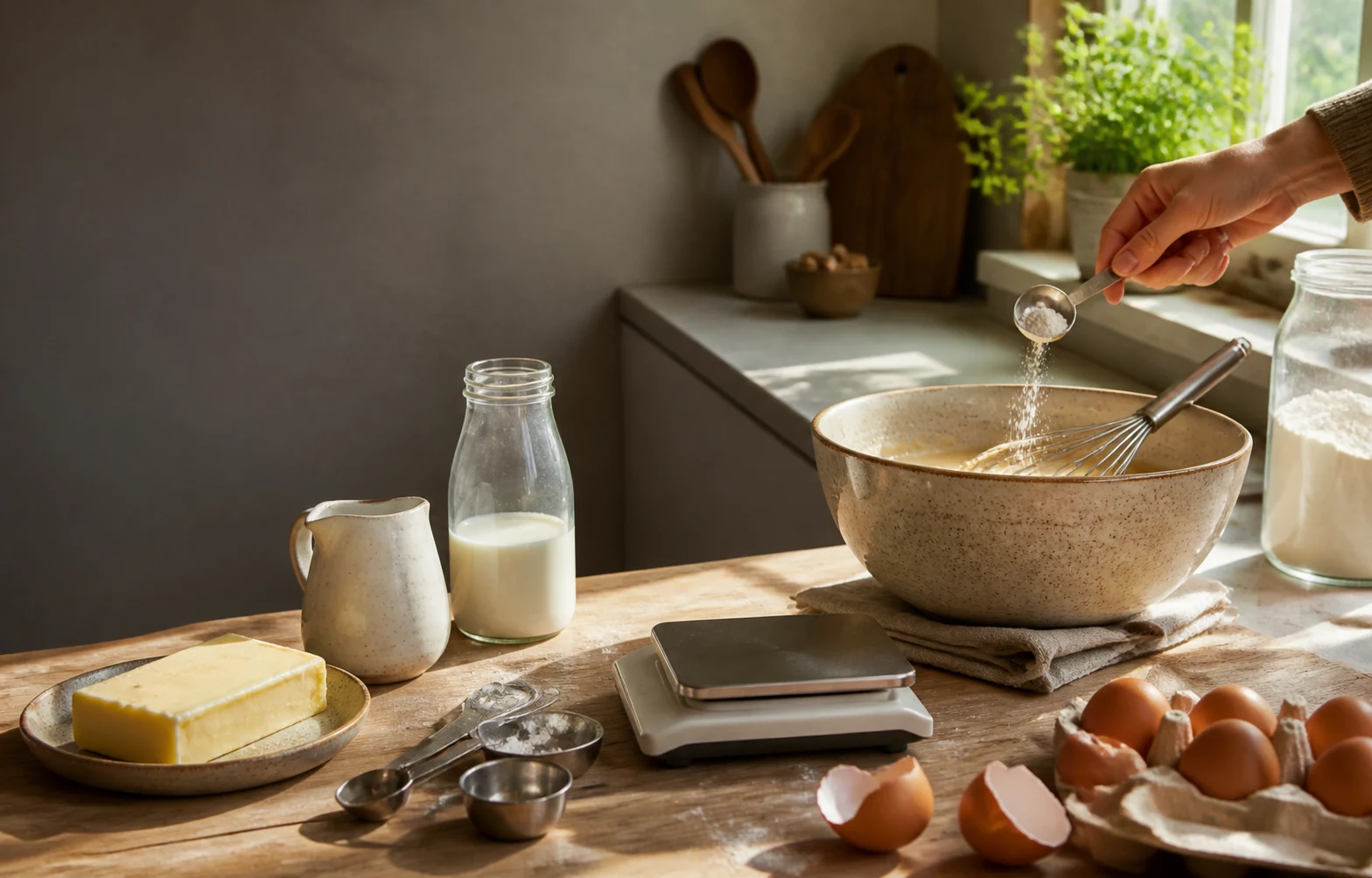
No more eyeballing “1.5x this” and rounding an egg to about one and a half. RecipeTailor scales every ingredient by one exact factor, to the servings you need or the ingredients you already have.
Live on iPhone and Android · Seven languages · Free download
Available in 7 languages
- English
- 日本語
- Deutsch
- Français
- 繁體中文
- 한국어
- Español
A recipe book built around Tailor.
RecipeTailor keeps a recipe exactly as saved, then layers a scaled plan on top of it whenever you need a different yield—never silently overwriting the original.
- Start
- Start from a curated classic, or type or paste in your own recipe.
- Tailor
- Scale to a new yield, or to the most you have of an ingredient—exactly, not rounded.
- Cook
- Work through the plan step by step, with timers for the parts that need one.
One exact factor, every ingredient.
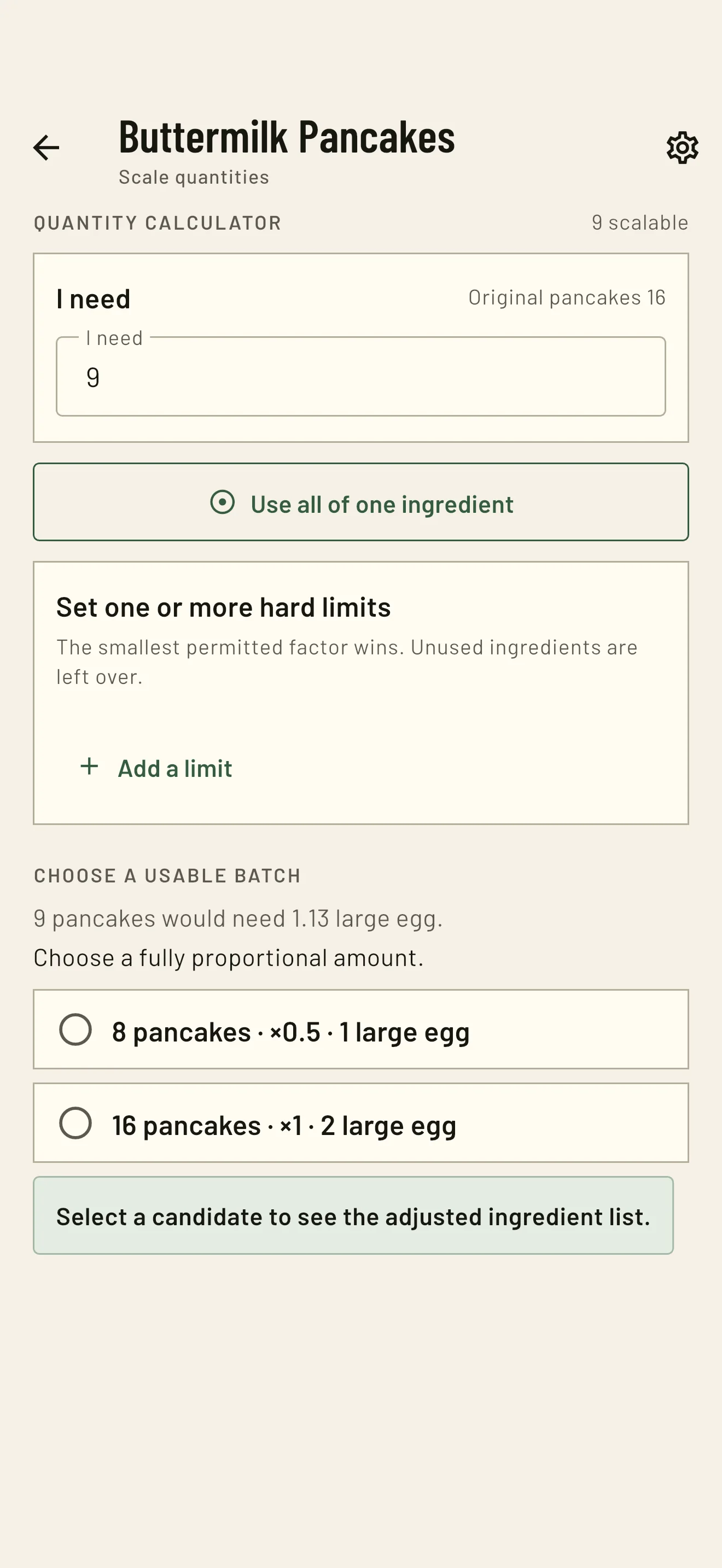
Enter a new target yield and RecipeTailor recalculates every scalable ingredient using one precise factor—real arithmetic, not floating-point rounding. When an ingredient like eggs can't divide evenly, it shows two complete whole-number plans side by side, and lets you choose.
Use what you have. Keep it proportional.
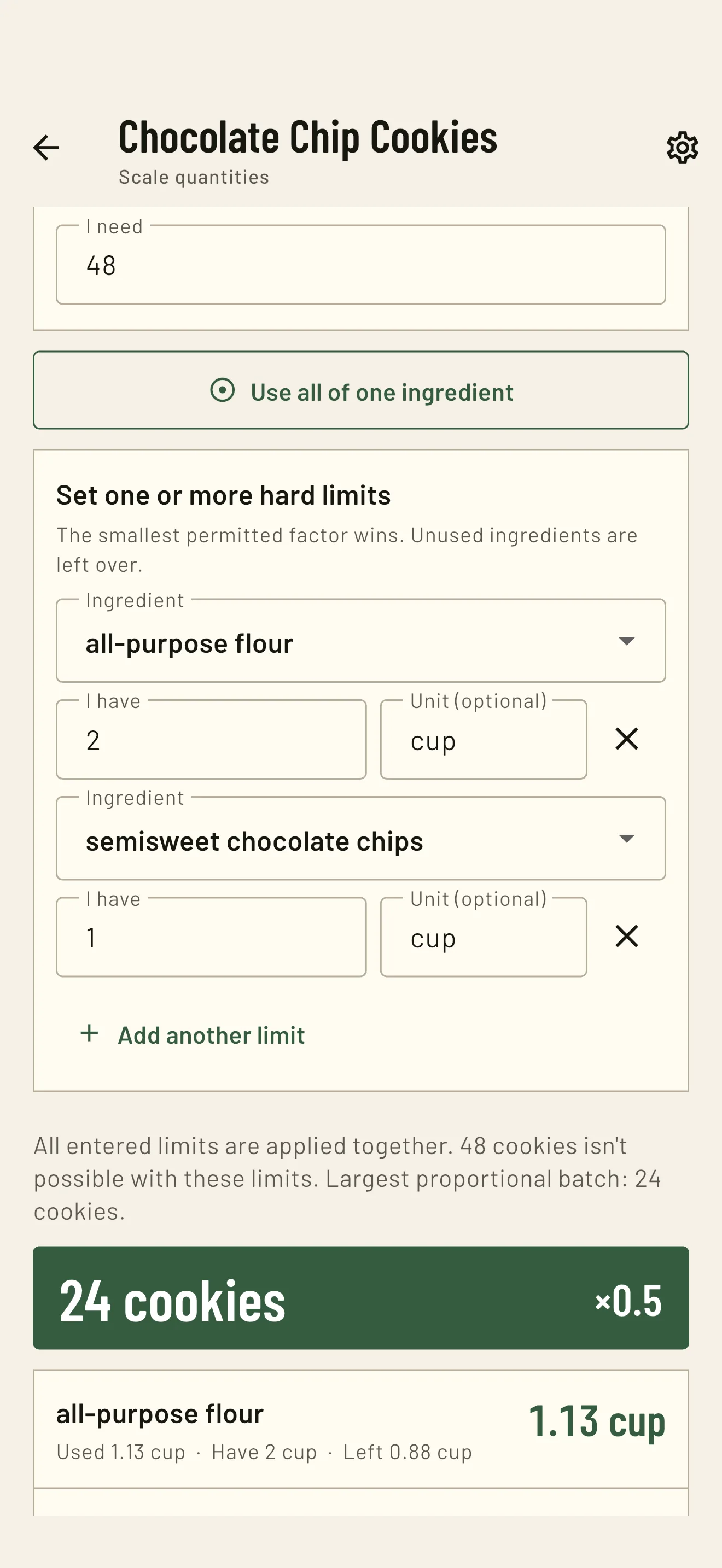
Set a maximum for one or more ingredients and RecipeTailor finds the largest batch that stays within every limit. You can also use one ingredient as an anchor when you want to finish what is already in the kitchen.
- Use all of one ingredient as an anchor
- Set hard limits for what you have on hand
- See the batch size and what remains after scaling
Make your recipe library look like yours.
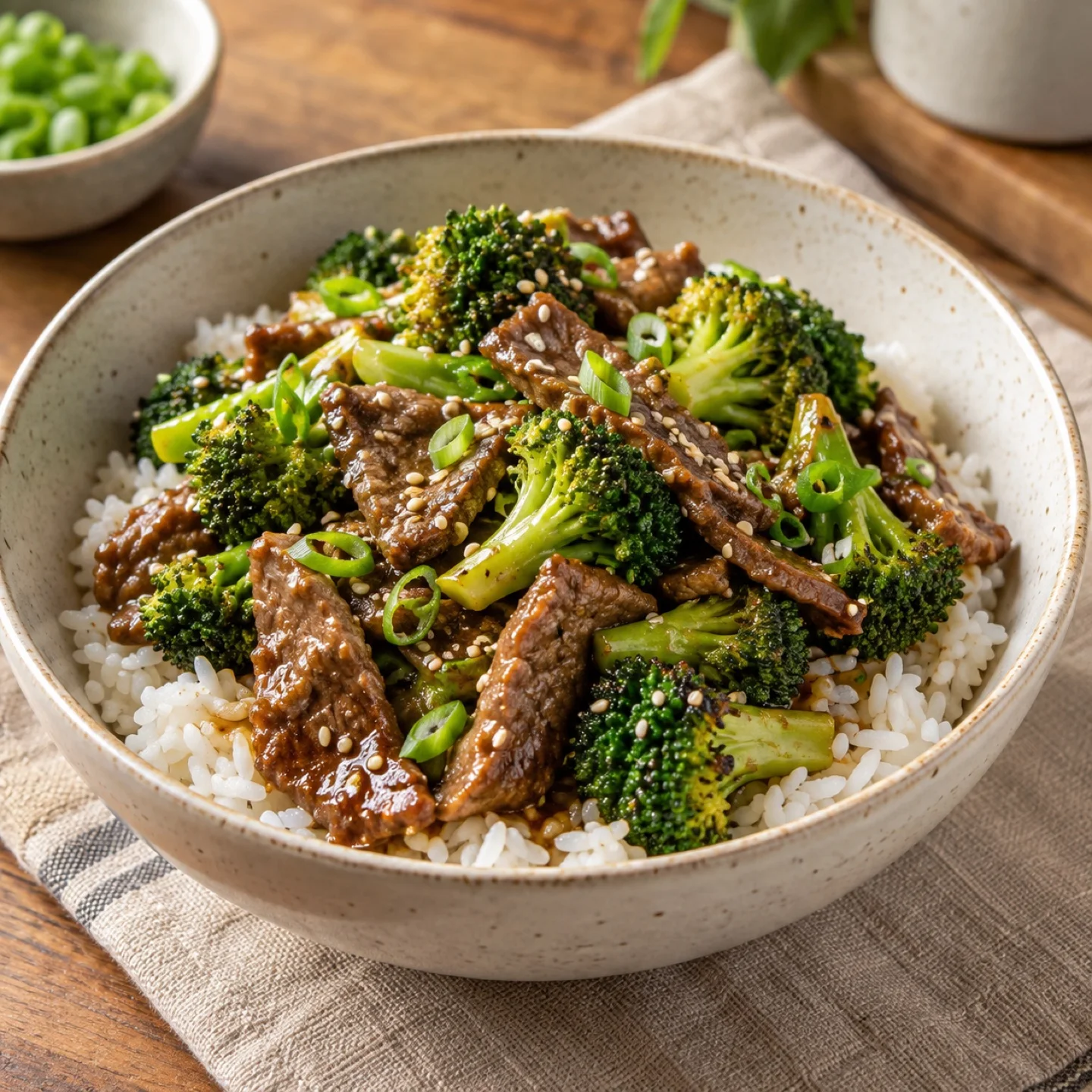
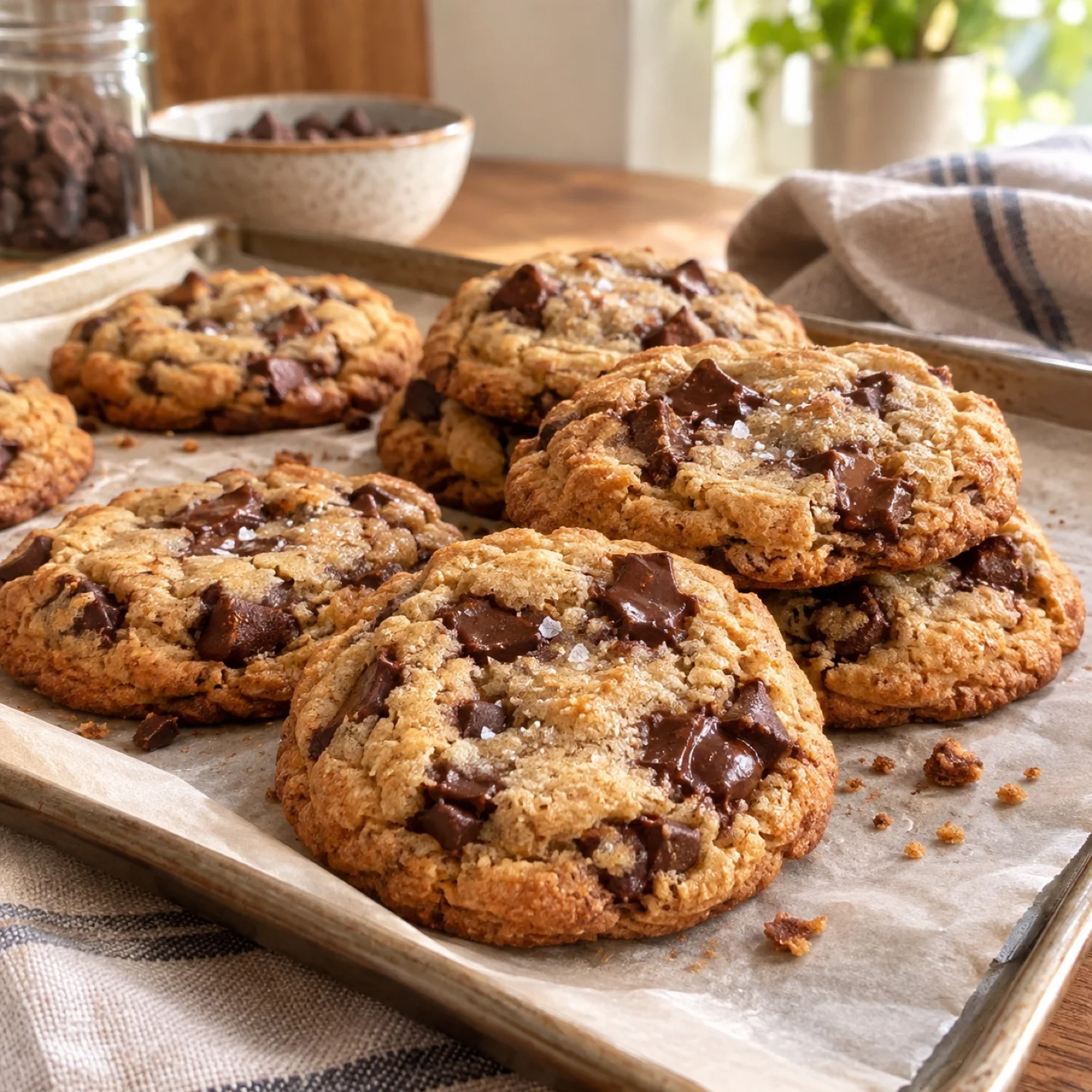
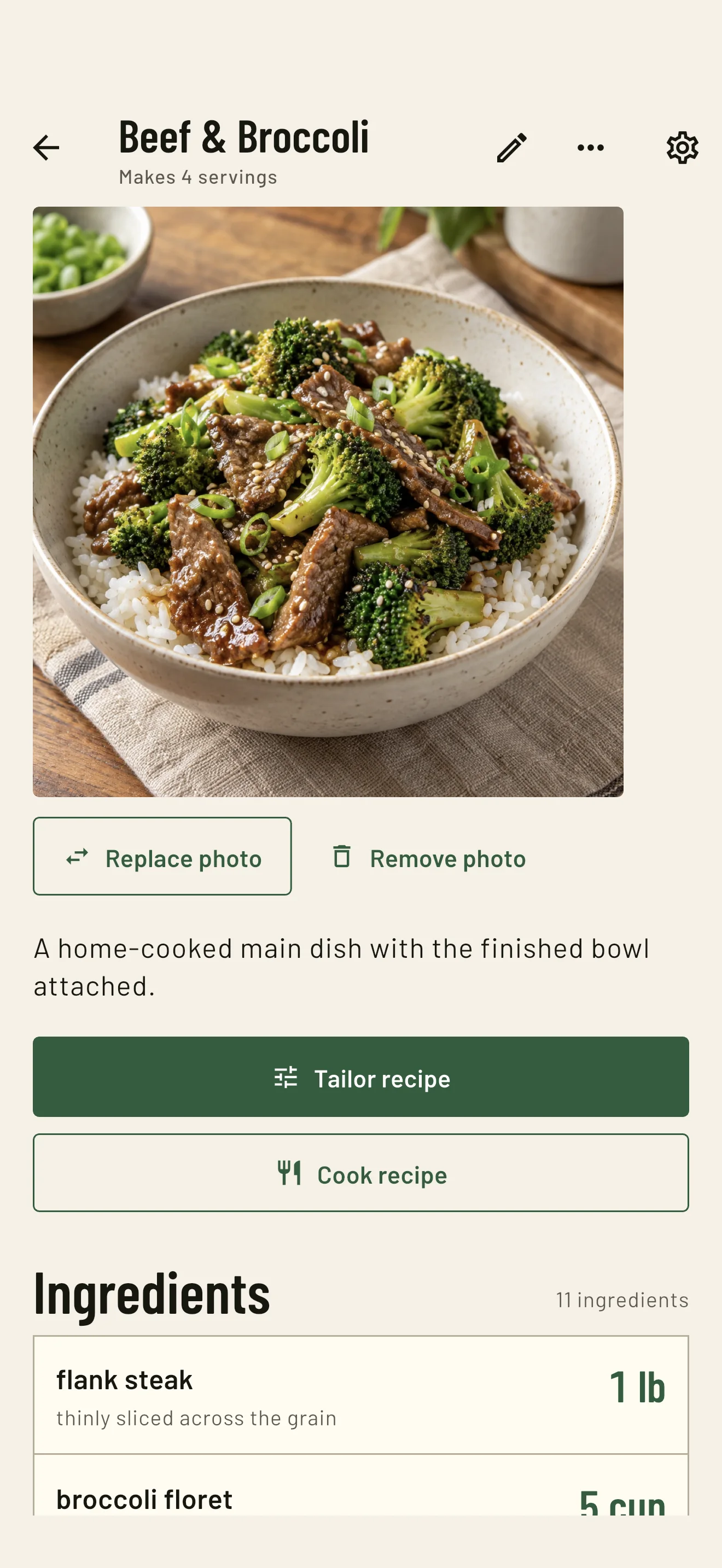
Add an optional photo from your device to a saved recipe. When you scan My recipes later, the dish gives you a quick visual cue alongside its servings, ingredients, and steps.
Keep the dish in view.
Open a saved recipe to see its photo, then tailor it or start Cooking Mode without losing the original recipe.
- Add, replace, or remove a photo when the recipe changes
- Keep the photo with the ingredients and steps it belongs to
- Export your recipe data and library when you want a portable backup
A cooking session that keeps you moving.
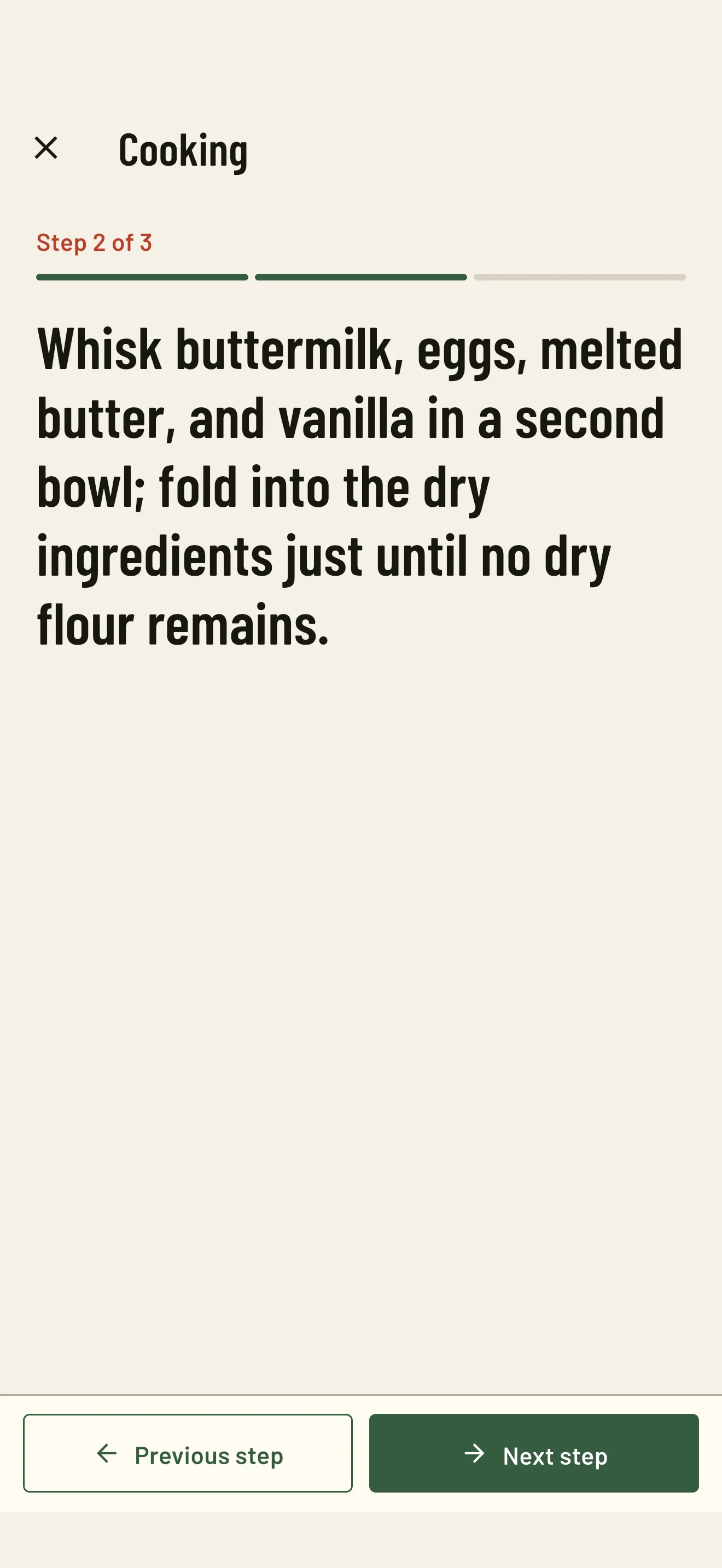
When it's time to cook, Cooking Mode turns a saved recipe into a focused session. See one step at a time, keep the relevant context nearby, and use a timer when the step needs one.
- Keep the current step and its ingredient context together
- Start, pause, and reset timers as you go
- Finish the session without changing your saved recipe
Every classic, ready to tailor.
RecipeTailor Pro opens the full library of 100+ home-cooking favorites, from Shakshuka and Beef Stew to Mushroom Risotto and Lemon Bars.
- Ten categories
- Breakfast to dessert, soups to seafood, weeknight to weekend.
- Exactly scaled
- Every classic scales to your crowd, or to what's in your fridge.
- Yours to keep
- Add one in a tap; it stays in your recipes even if you cancel.
Recipe-scaling questions, answered.
What is RecipeTailor?
RecipeTailor is an exact recipe scaler and private recipe keeper for iPhone and Android. Choose a yield, work from the ingredients on hand, or start with a classic recipe, then cook from the plan you choose.
How do I scale a recipe by servings?
Open a recipe, enter its original yield, and set the servings you want. RecipeTailor applies one exact proportional factor to every scalable ingredient, so halving, doubling, or changing 12 servings to 9 keeps the recipe coherent.
Can I scale a recipe to the ingredients I have?
Yes. Enter the maximum amount you have for one or more ingredients and RecipeTailor finds the largest batch that stays within every limit. You can also anchor the recipe to using one ingredient completely.
How does RecipeTailor handle eggs and other whole ingredients?
When an ingredient cannot divide evenly, RecipeTailor shows complete lower and upper whole-number plans instead of changing one ingredient on its own. You can choose the egg-safe or otherwise practical batch that fits your kitchen.
Can RecipeTailor keep my own recipes?
Yes. Type a recipe yourself or paste one from a website or note. RecipeTailor keeps the original text alongside the structured ingredients and steps, so you can edit, search, tailor, cook, and export it later.
Does RecipeTailor include recipes to start with?
Yes. RecipeTailor includes 100+ curated classics across ten categories. Five are free to start, and RecipeTailor Pro opens the full classic library. Any classic you add becomes your own editable recipe.
Can I add a photo to a recipe?
Yes. Add an optional photo from your device to a saved recipe. RecipeTailor keeps the photo with the recipe on your device, so the dish is easier to spot in your library later.
Is RecipeTailor free?
RecipeTailor is free to download with no ads or account. Your personal recipes, exact Tailor scaling, Cooking Mode, export, and five classic recipes are free. RecipeTailor Pro is an optional monthly or yearly subscription for the full classic library.
Is RecipeTailor available on iPhone and Android?
Yes. RecipeTailor is live on the App Store for iPhone and on Google Play for Android.
Which languages does RecipeTailor support?
RecipeTailor supports English, Japanese, German, French, Traditional Chinese, Korean, and Spanish in the app interface. Recipe content can stay in its original language.
Does RecipeTailor require an account or cloud sync?
No. RecipeTailor keeps your recipes, photos, drafts, and cooking records on your device. You can export a recipe or your library whenever you want a portable backup.
Your recipes, sized right.
Download RecipeTailor free on iPhone or Android. Start with five free classics; RecipeTailor Pro opens the rest of the library.
Live now on the App Store and Google Play